This dual-knob RGB controller feels incredible — until you try it on a Mac
Dual knob RGB controller review: metal dials and Bluetooth. Fun on Android, a miss for scrolling on iPhone, and the Mac config software never saw it.
Published September 15, 2026
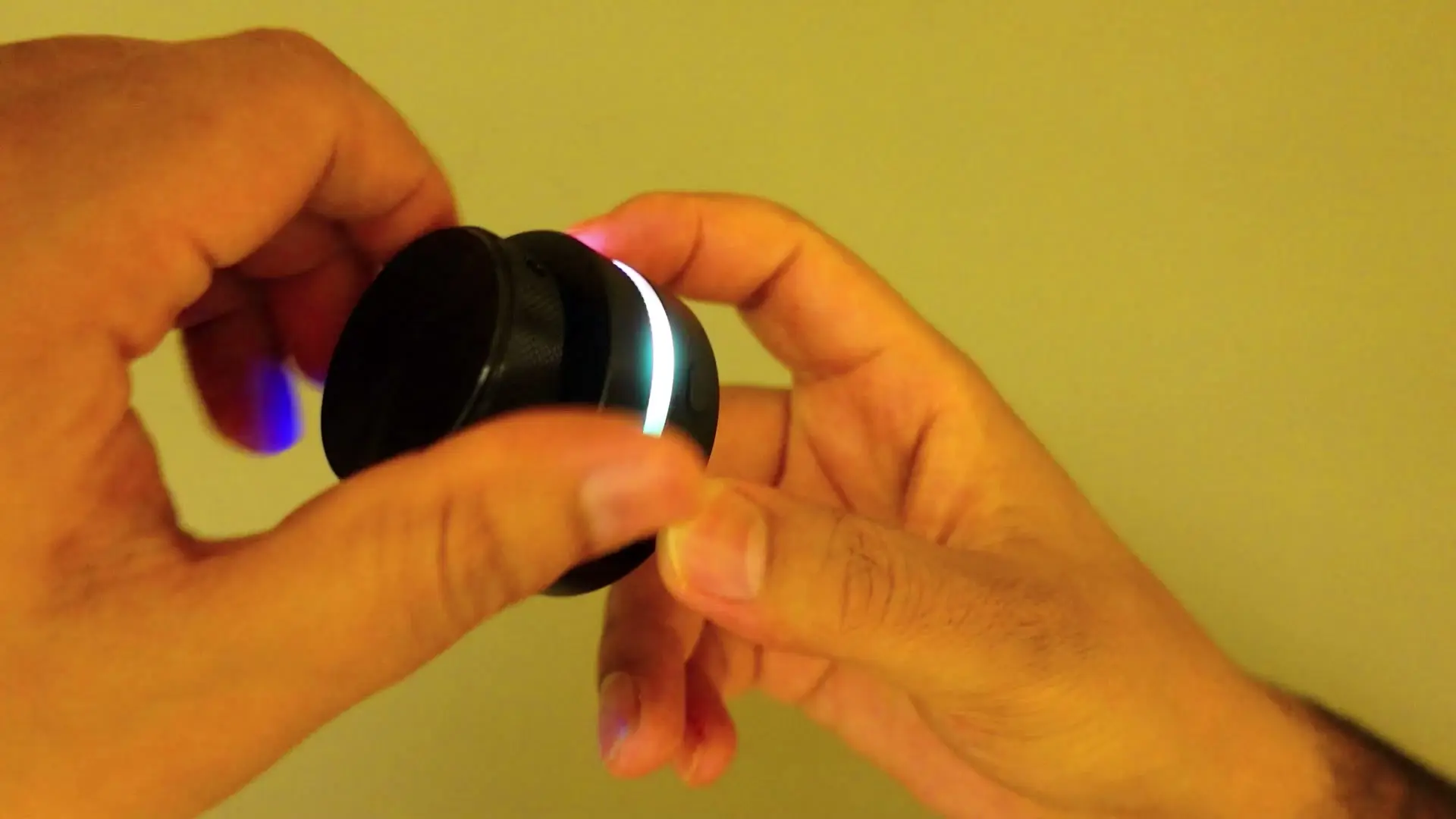
Tested context
Unboxed and tested on camera in one session: wired USB-C power, Bluetooth pairing on Android and iPhone, TikTok/Reels scrolling and volume tests on phone, then MacBook setup with the bundled software site and a third-party macro remapping tool.
Verdict
The hardware itself is the highlight — two metal dials with satisfying click steps, an RGB ring that reacts when you turn them, and a compact body that feels more premium than I expected. On Android it paired instantly and did useful things out of the box: volume, mute, and TikTok scrolling with a scroll-lock button that actually makes sense once you figure it out. iPhone was more limited — volume and mute worked, but I could not get reliable feed scrolling. Mac was the real problem: the official customization software never detected the controller, the vendor download page looked sketchy, and I only got partial control through a third-party macro app. I would not recommend this to Mac users based on what I saw. Windows might be better, but I did not have a PC in the room to prove it.
Pros
- Metal knobs with tactile click steps — genuinely satisfying to rotate
- RGB ring lights up when you use the dials
- Bluetooth paired quickly on Android without extra setup
- Useful out of the box for phone volume and TikTok-style scrolling on Android
- Scroll-lock button lets you disable accidental swipes
Cons
- Official Mac config software did not detect the device in my test
- Vendor software download page was not secure and mostly auto-translated
- iPhone scrolling did not work reliably for me
- Listing mentions 2.4 GHz wireless but no receiver was in the box
- Click actions for likes/shortcuts were not obvious without custom software
I picked up this dual-knob RGB controller because the listing promised two metal scroll wheels, clickable actions, and a glowing RGB ring — basically a tiny desk gadget that could speed up TikTok scrolling, volume changes, and shortcut-heavy workflows. The hardware delivered more than I expected. The software story did not.
Watch the full video review on YouTube.
What ships in the box
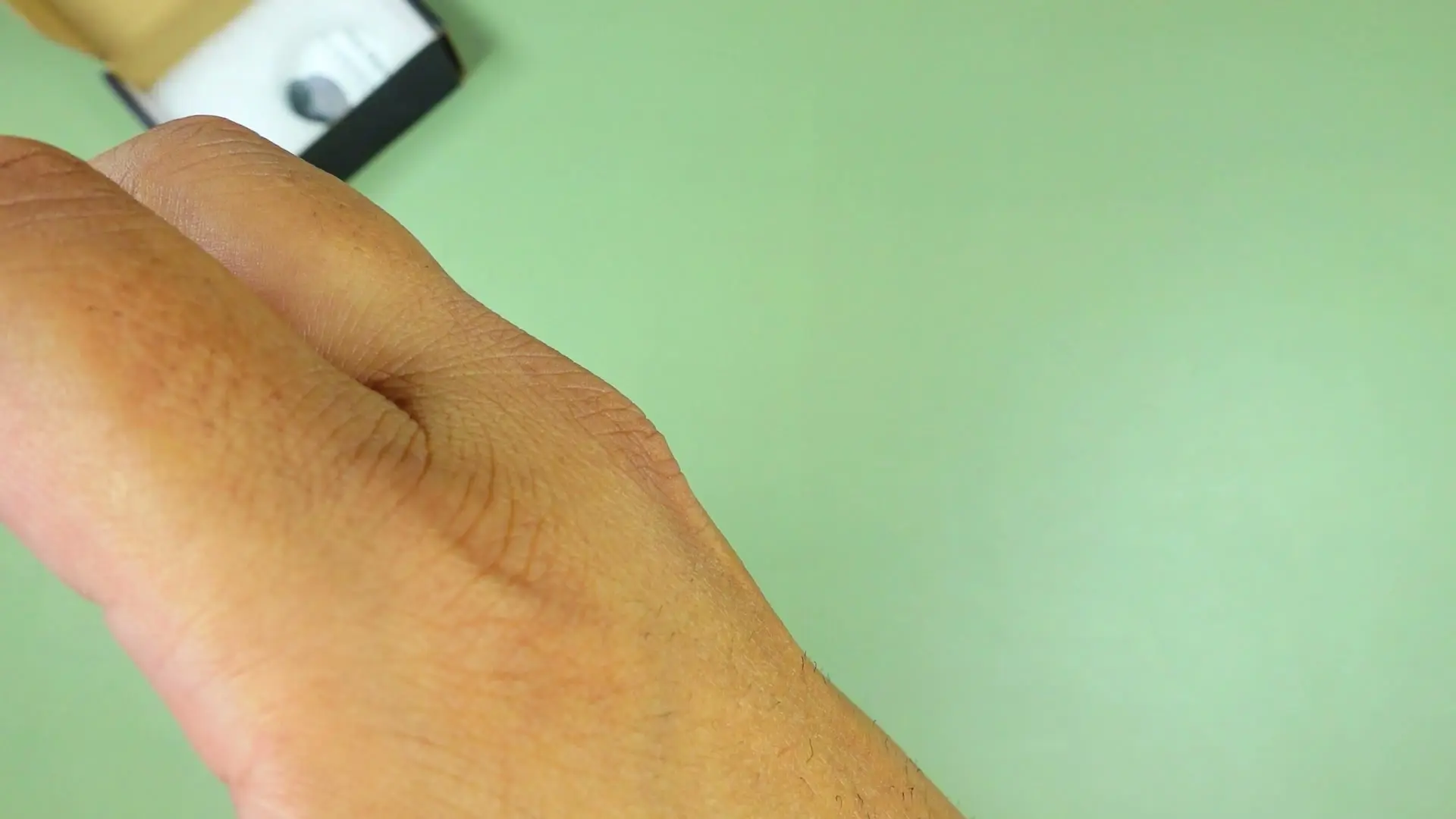
You get the controller, a USB-C cable, foam packaging, and a paper manual. Mine was wired-only in practice — the manual talks about Bluetooth and 2.4 GHz wireless, but there was no wireless receiver in the box.
The hardware feels better than the listing
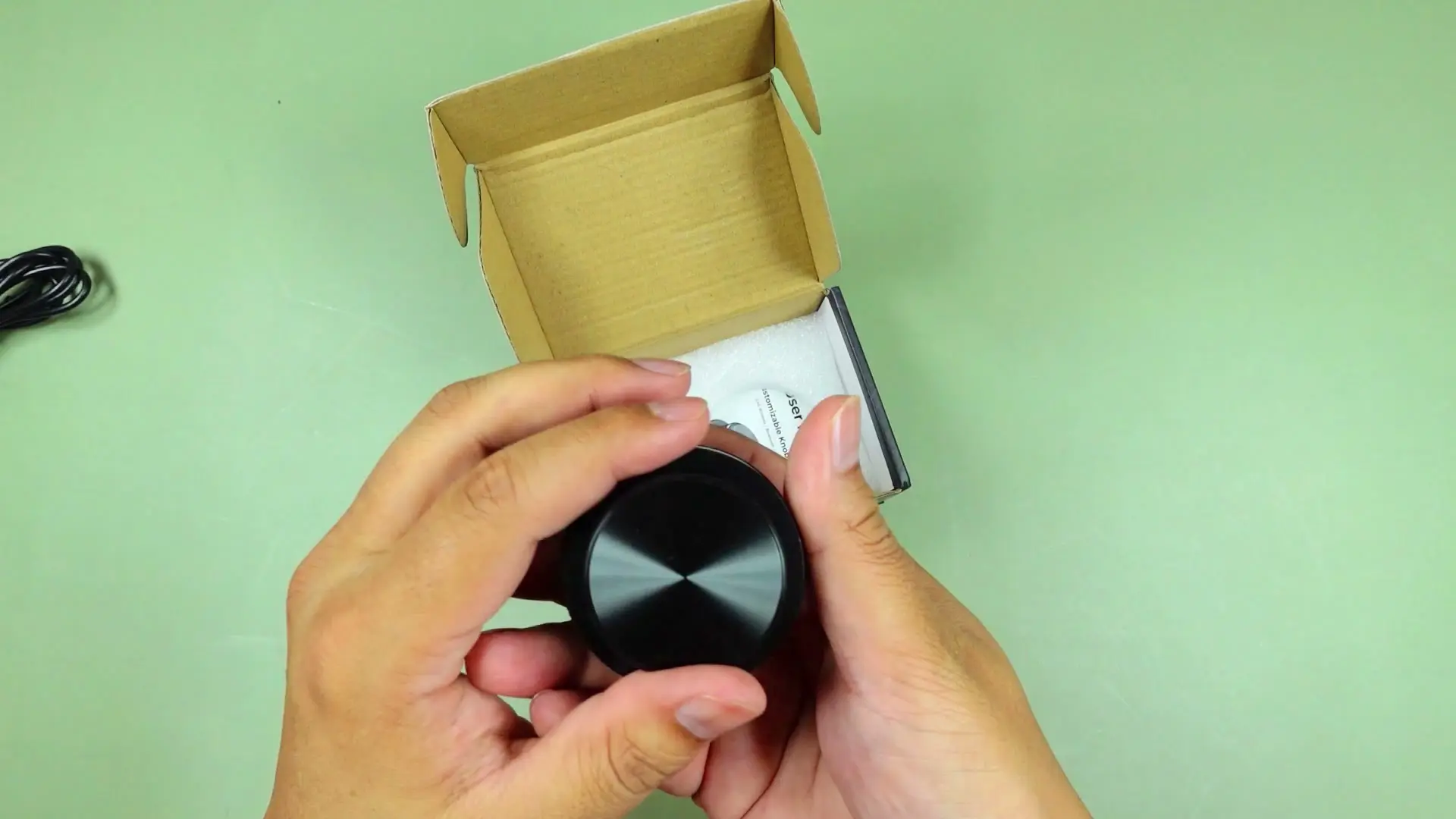
Both dials are metal with a stepped click feel — not silent, but satisfying. The top dial is lighter, the bottom one has more heft. There is an RGB strip between the knobs, a USB-C port, a power switch, and rubber feet so it does not skate across the desk.
Turn it on and the ring reacts when you rotate the dials. You can cycle RGB patterns with the side button, and plugging in USB-C keeps it lit continuously.
Android was the sweet spot
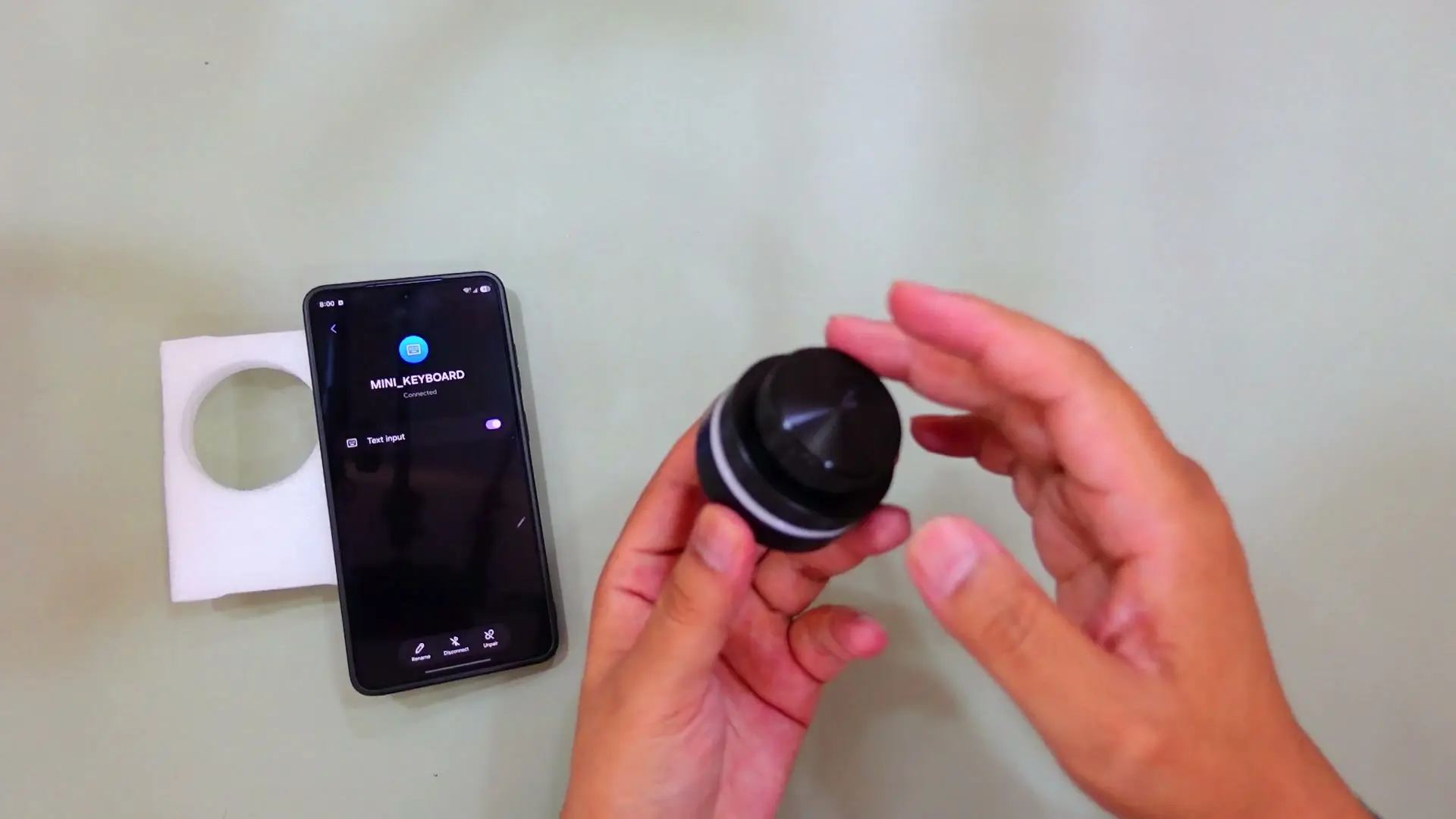
Pairing over Bluetooth was painless — it showed up immediately and connected as a text-input device. Out of the box I could:
- Scroll through TikTok/Reels with the bottom dial
- Change volume with the top dial
- Mute and unmute with a single press on the top dial
The scroll-lock button took a minute to understand. Click it once and scrolling stops — useful if you do not want accidental swipes. Click again and scrolling comes back.
I could not figure out how to trigger a like on myself, even though the manual suggests shortcut actions are possible. Volume and scroll were the wins.
iPhone was half-working
On iPhone the top dial still handled volume and mute cleanly. The bottom dial did not scroll TikTok for me — I tried a lot of combinations and nothing felt reliable. If iPhone scrolling is your main reason to buy, my test would not convince you.
Mac support was a mess
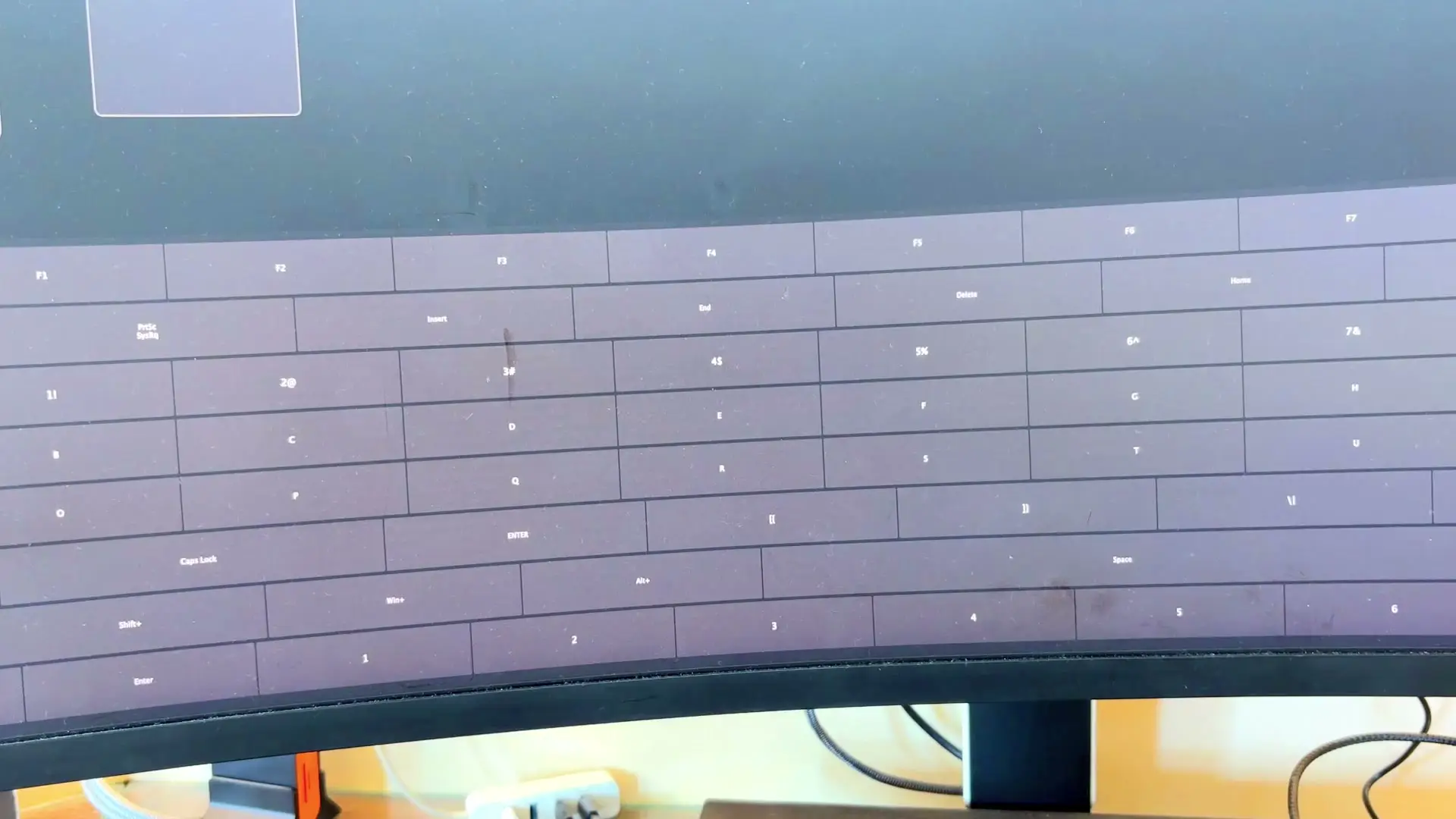
This is where the experience fell apart. The official customization software — downloaded from the QR code in the manual — never detected the controller on my MacBook. The vendor site itself was not secure, looked auto-translated, and did not inspire confidence.
I did find a third-party macro remapping tool that recognized the device and let me assign actions to each dial and button. That is a workaround, not a polished out-of-box experience. Default behavior on Mac was mostly volume on one dial and cursor nudging on the other, with occasional unwanted typing when I rotated.
I did not have a Windows PC nearby, so I cannot confirm whether the official Windows software works better. Based on the Mac experience and the sketchy download page, I would not buy this assuming desktop customization will be smooth.
Who should buy it
If you want a metal-feeling desk dial with RGB and you mainly care about Android phone scrolling plus volume control, this is a fun gadget. The mechanical feel is the real selling point.
If you are on Mac and expect official software to just work, or you need dependable iPhone scrolling, I would pass. The hardware is cool — the ecosystem around it is not there yet, at least not in my testing.
Where to buy
This article contains affiliate links. If you buy through them, I may earn a commission at no extra cost to you.
Is this for you?
Who it’s for
Consider it if you want a desk toy that doubles as a phone scroll/volume dial on Android and you are fine hunting for third-party macro software on desktop. The metal feel and RGB are real.
Who should skip it
Skip it if you are on Mac and expect plug-and-play customization. Also skip if you need guaranteed iPhone TikTok scrolling or a wireless receiver in the box.
Watch the review
Open on YouTubeDisclosure
Hero and evidence photos are original Gadget Hunting with RR footage, captured firsthand during testing of the unit reviewed here.
This review contains an affiliate link. See our affiliate disclosure for details.