This Xiaomi eye massager feels premium — until Wi-Fi almost ruins setup
Xiaomi Mijia smart eye massager review: heat, air pressure and a see-through visor. Better balanced than the BOOX one, but Mi Home pairing was a struggle.
Published September 15, 2026
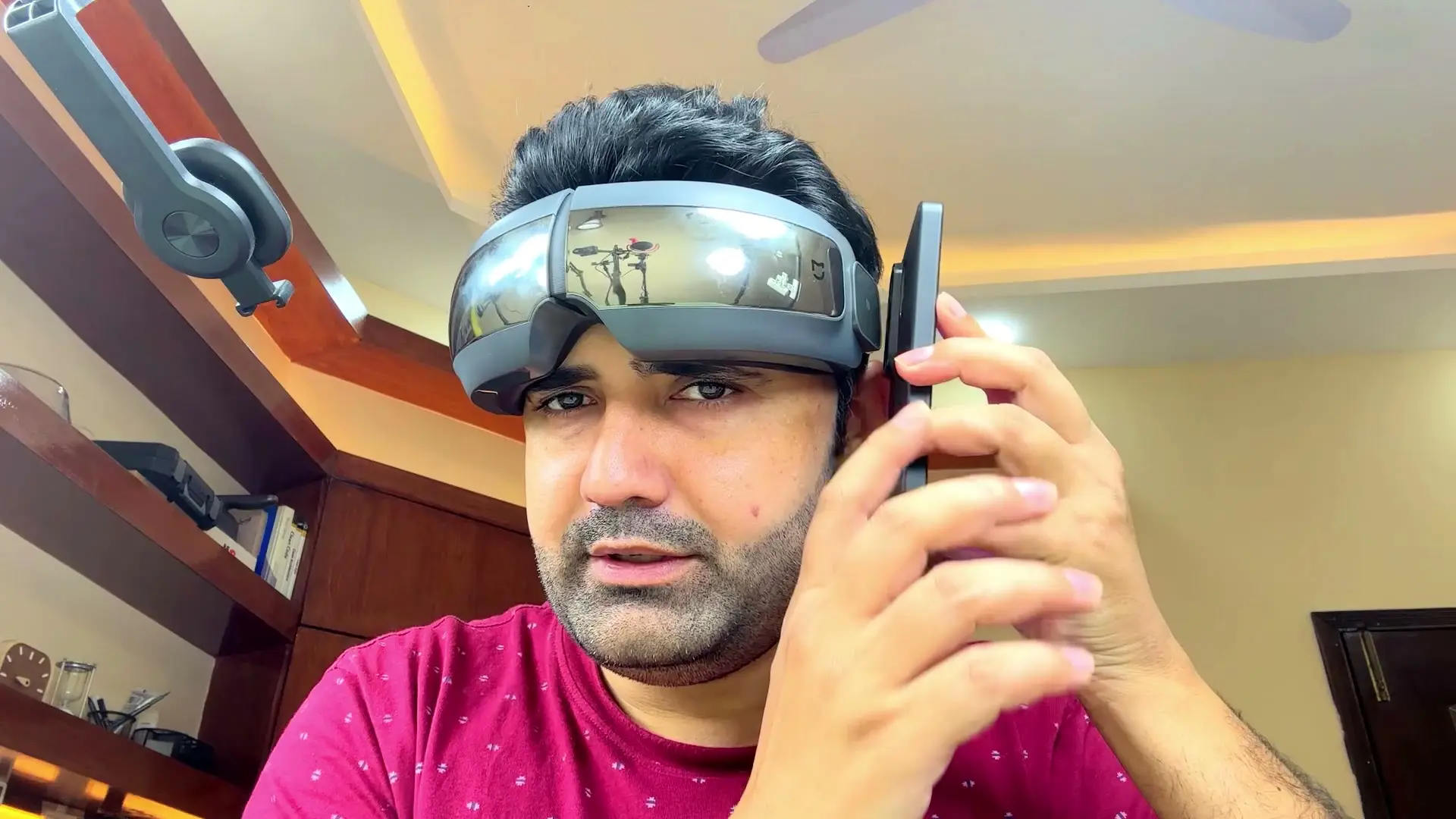
Tested context
Unboxed and tested the Xiaomi Mijia Smart Eye Massager on camera: design tour, first power-on with heat and air-pressure demo, full Mi Home pairing with Chinese mainland server and Wi-Fi troubleshooting, app modes tour, NFC quick-launch test, and extended wear test comparing it to a previous BOOX eye massager.
Verdict
This is the eye massager I actually wanted after reviewing a BOOX unit that felt front-heavy and cheap. The Mijia has better weight balance, a transparent visor so you can still peek at your phone, and heat plus air pressure centered around the eyes where puffiness actually lives. The eye exercise mode with fine pressure points near the lash line felt surprisingly thoughtful. Mi Home setup was painful though — Chinese mainland server, seven-second reset combos, and pairing only worked after I turned Wi-Fi off on my phone. You also cannot switch the app language, which is annoying when voice prompts stay in Chinese. If you can stomach the Xiaomi ecosystem quirks once, the hardware itself is genuinely nice.
Pros
- Balanced weight — does not pull forward on your face like the BOOX massager did
- Transparent visor lets you see your phone or surroundings without taking it off
- Heat and air pressure land around the eyes, not random forehead spots
- Eye exercise mode spreads pressure across a wide area with points near the eye edges
- NFC tap launches the Mi Home app quickly once pairing is done
- Unboxing and carry pouch feel more premium than the previous massager I reviewed
Cons
- Mi Home pairing failed repeatedly until Wi-Fi was turned off on the phone
- App region must be set to Chinese mainland for the device to show up
- No language switch in the app — voice prompts stay in Chinese
- Head strap is not adjustable for tightness
- USB-C port sits at an awkward angle on the side hinge
- Received the darker color — the lighter option would have looked better
I picked up the Xiaomi Mijia Smart Eye Massager after reviewing a BOOX eye massager that looked flashy but felt front-heavy and cheap in the hand. Xiaomi's version is a different story — until Mi Home pairing almost ruined the afternoon.
Watch the full video review on YouTube.
Unboxing is actually nice
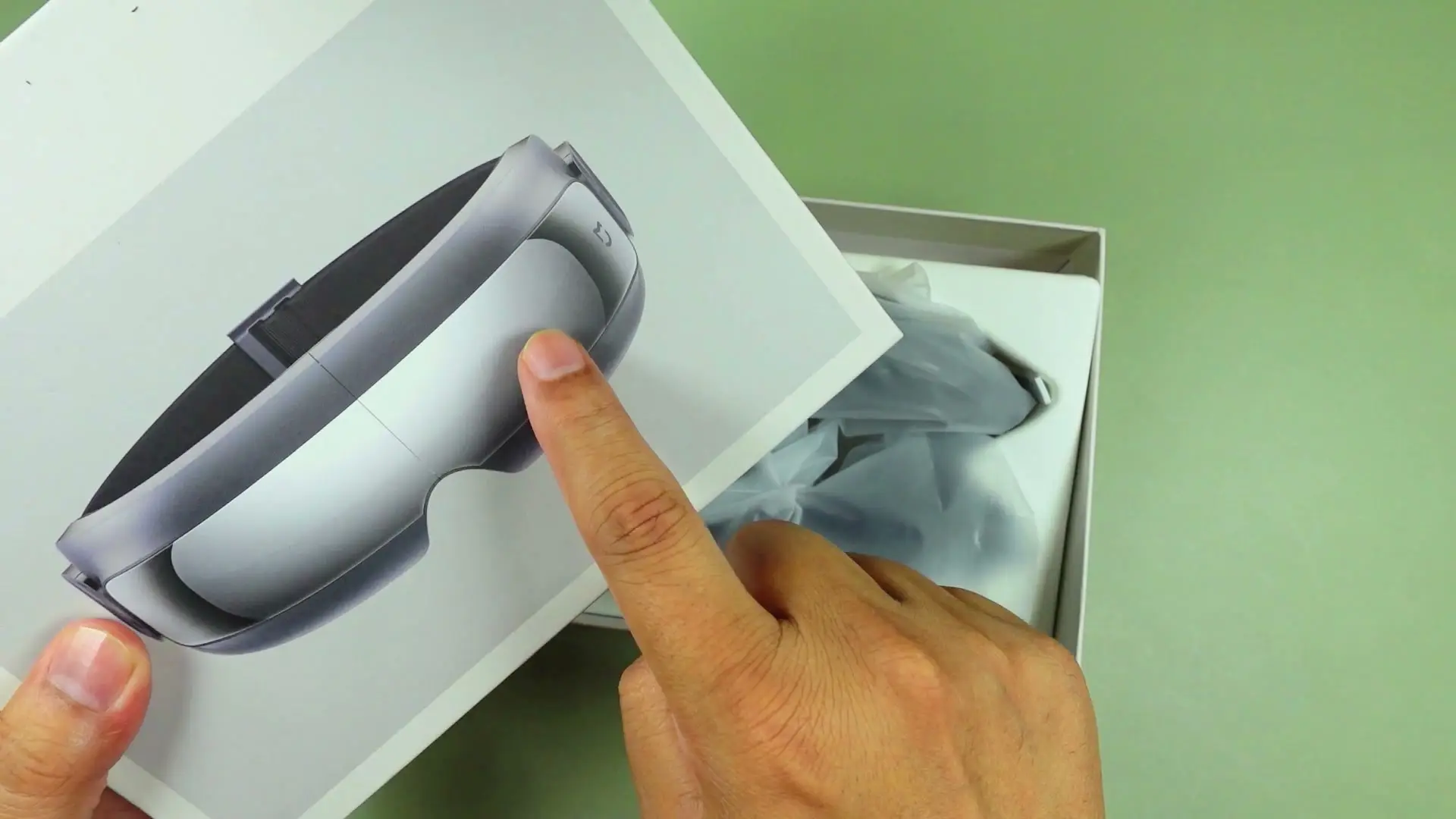
The box opens cleanly with a fitted cover, documentation, a USB-A to USB-C cable, and a soft gray carry pouch. The massager itself is a dark matte gray goggle-style headset with a hinged body, reflective front panels, and soft inner padding. I received the darker color — if you have a choice, the lighter one probably looks better on camera.
Better design than the BOOX I reviewed
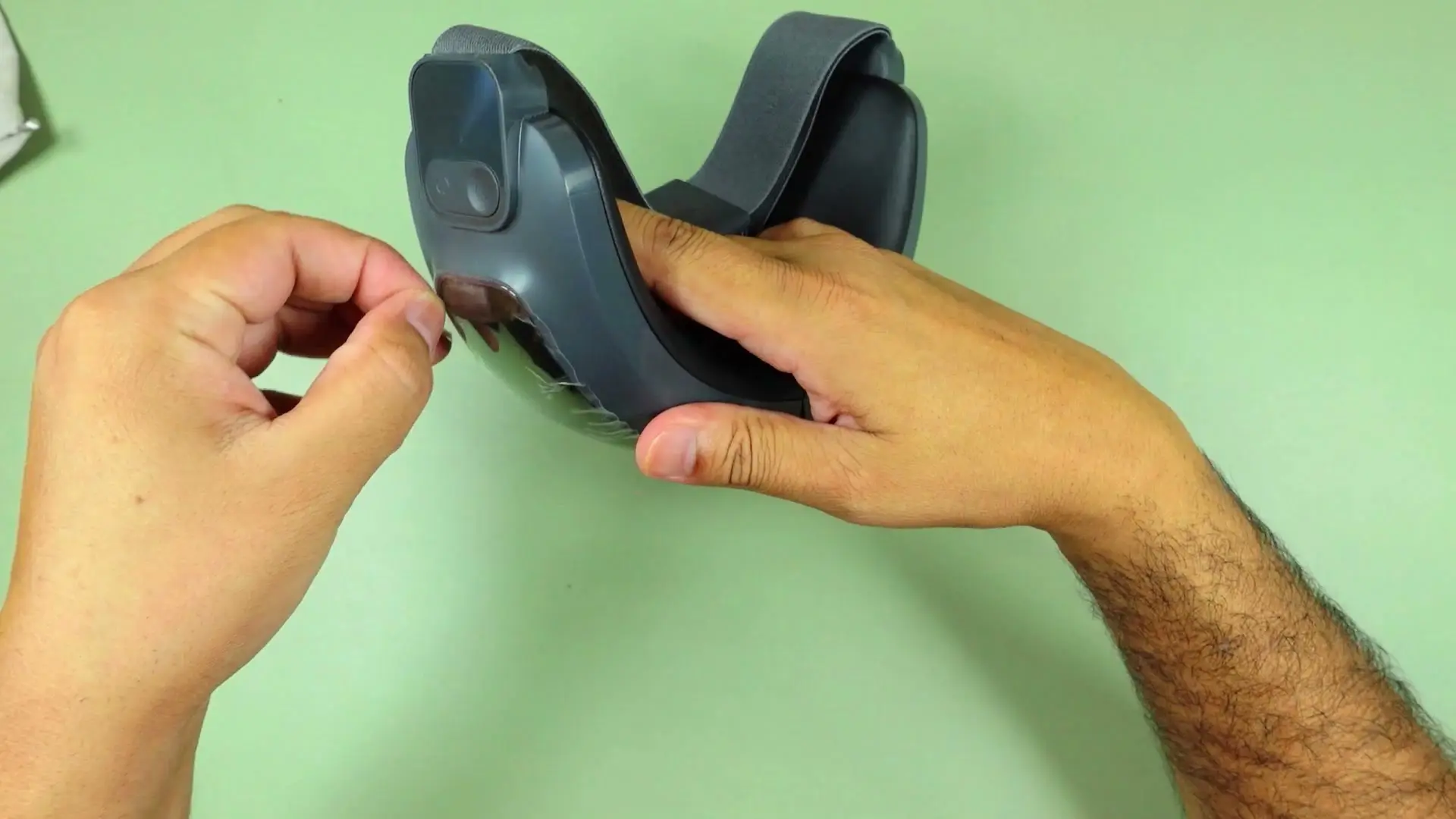
Compared to the BOOX massager, this one feels more balanced on the face. The transparent visor panels are the standout feature — you can still see your phone screen or glance around without lifting the whole unit off. That sounds minor until you are at a desk and a notification pops up.
Inside you get soft foam padding, a fixed elastic head strap (no tightness adjustment), and side buttons for power and mode cycling. USB-C charging lives on the side hinge at an awkward angle — easier to reach than some rivals, but still not where I would put it.
Heat and pressure in the right places
On first power-on you can feel the air-pressure bladders cycling and the heat warming around the eye area — not randomly on the forehead. That placement matters if you are targeting puffiness or just want a warm compress feel.
In the app you get modes like vitality, stress relief, eye exercise, and custom presets. I ended up preferring eye exercise mode over vitality — the pressure points spread wider and hit closer to the eye edges, which felt more like the gentle exercises my doctor described. Air pressure level 1 is already strong; Xiaomi probably capped it there on purpose.
Then Mi Home enters the chat
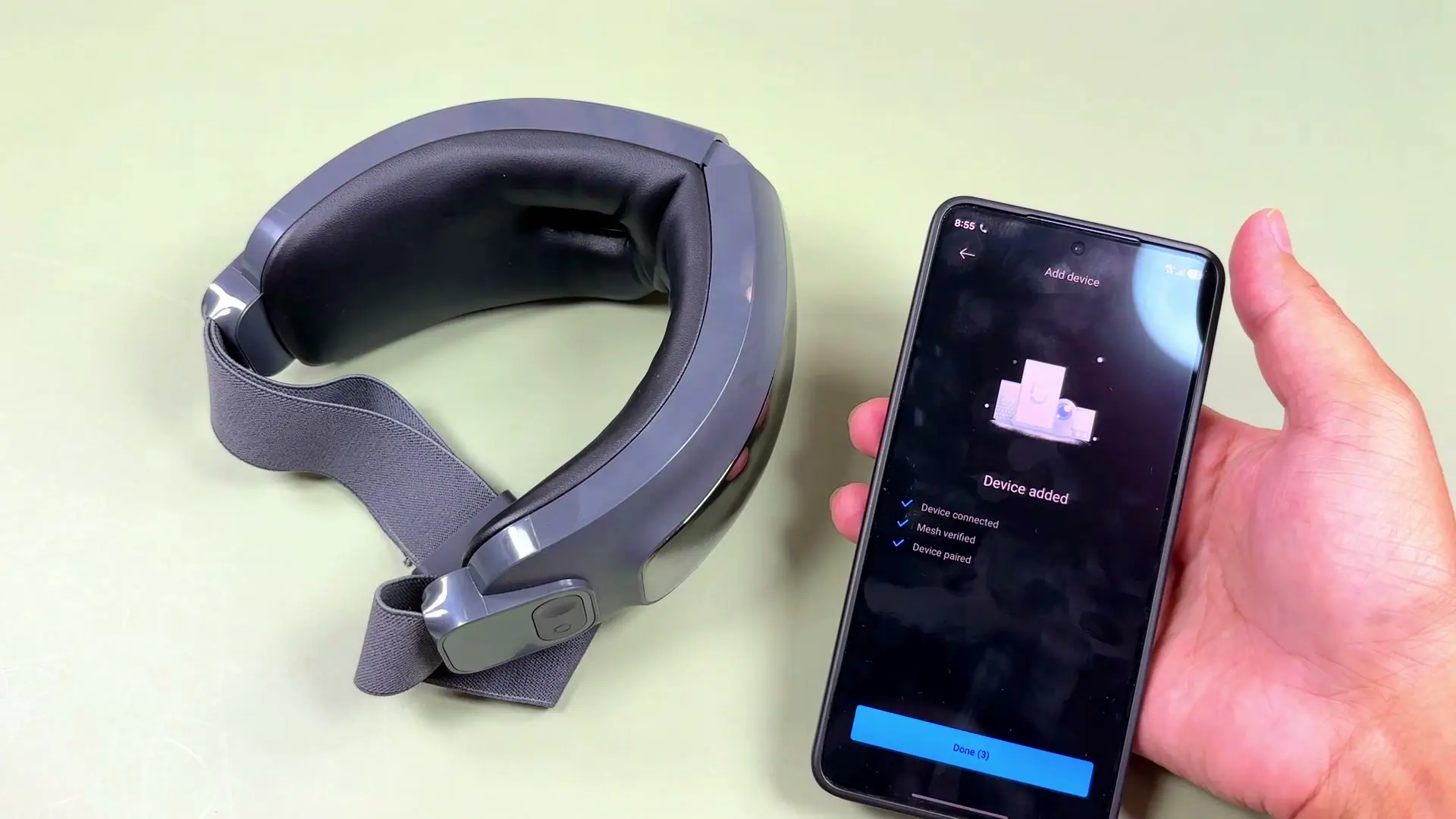
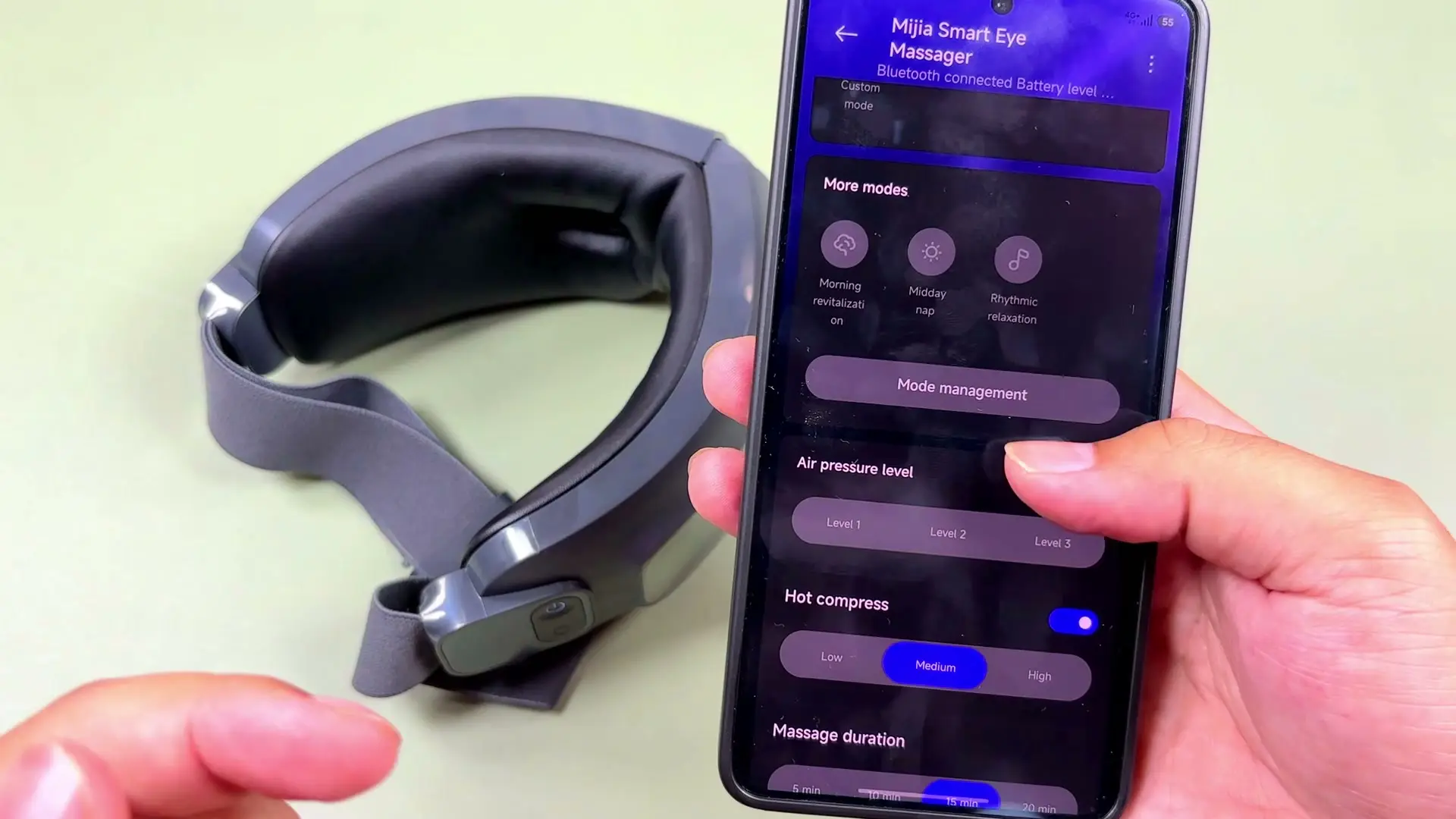
Pairing goes through the Mi Home app with Chinese mainland server selected. Auto-discovery picked up the device, but connecting failed over and over until I turned Wi-Fi off on my phone — then it paired immediately. If you are setting one of these up, try that before you rage-quit.
Once connected, NFC tap on the massager launches the app quickly. The frustration is language — I could not find a way to switch the app or voice prompts to English. Everything is customizable in the UI, but the spoken mode announcements stay in Chinese.
Verdict
Hardware-wise, I like this one. The weight balance, transparent visor, and thoughtful heat/pressure placement make it feel like a proper Xiaomi gadget rather than a random AliExpress visor. The Mi Home setup pain is real though, and the language limitation will bother some buyers.
If you can get past the pairing ritual once, it is a desk-friendly eye massager I would actually recommend over the BOOX unit I reviewed before.
See also: AUX OAKS misting eye massager review.
Where to buy
This article contains affiliate links. If you buy through them, I may earn a commission at no extra cost to you.
Is this for you?
Who it’s for
Grab it if you want a heated, air-pressure eye massager with Xiaomi polish and you are patient enough to fight through Mi Home setup once. The transparent visor alone makes it more usable at a desk than fully enclosed masks.
Who should skip it
Skip if you hate Mi Home quirks, need plug-and-play pairing, or want English voice prompts out of the box. Also skip if you already own a massager you like — this is an upgrade from cheap BOOX-style units, not a category first.
Watch the review
Open on YouTubeDisclosure
Hero and evidence photos are original Gadget Hunting with RR footage, captured firsthand during testing of the unit reviewed here.
This review contains an affiliate link. See our affiliate disclosure for details.